The new employee starts on Monday. By Tuesday, they still can't get into your FileMaker solution because someone forgot to set up their account. Sound familiar? For organizations managing user access one person at a time, this scenario repeats itself with every hire, every role change, and every departure.
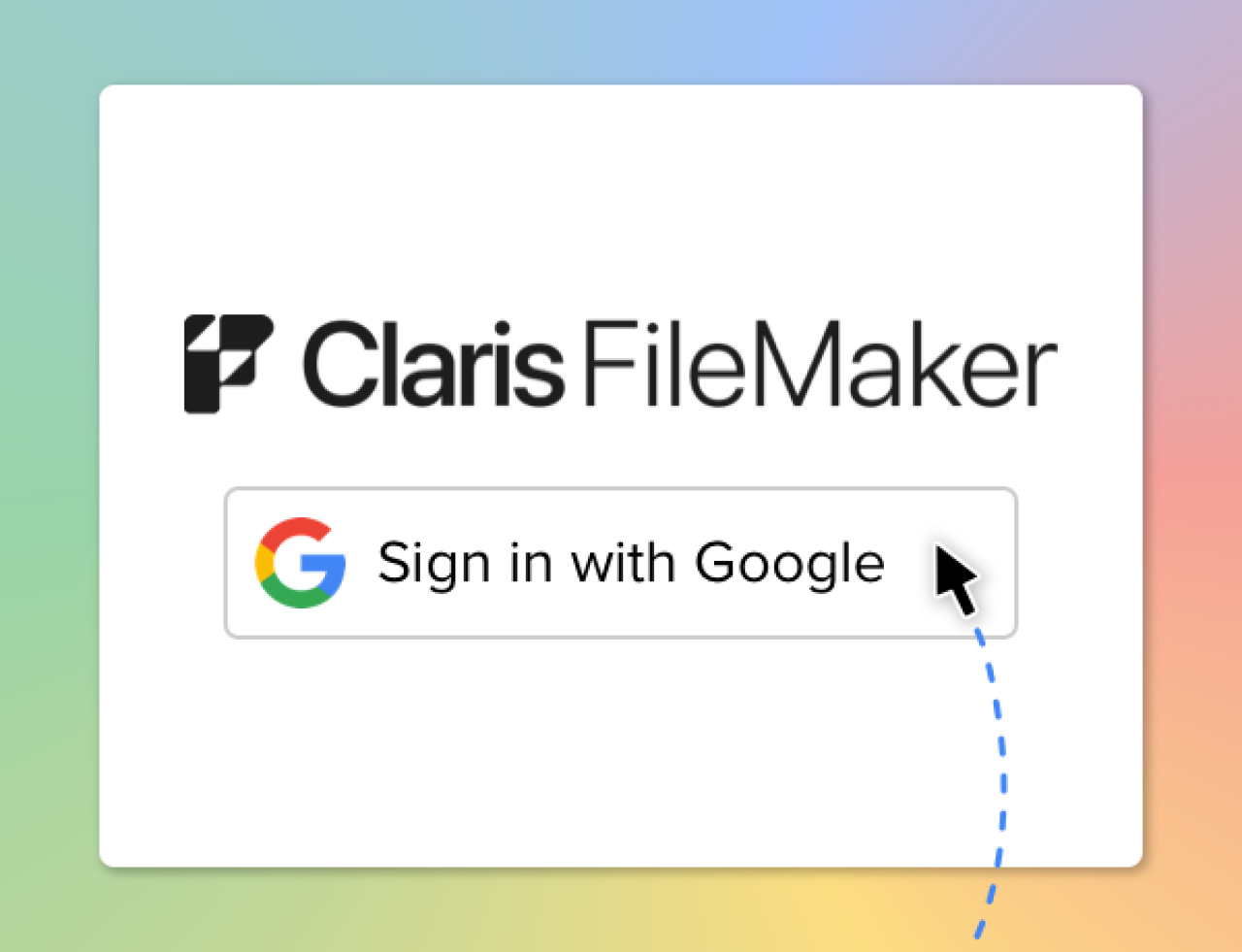
Single Sign-On from platforms like Google Workspace and Microsoft Entra simplifies managing user access across systems, and Claris FileMaker is no exception. Microsoft's OAuth integration supports group-based access out of the box, but Google's built-in OAuth integration is currently limited to user authentication. That's where a custom solution comes in: using Google Groups with FileMaker just requires connecting a few extra pieces.
By utilizing Google SSO with group-based permissions in FileMaker, organizations can use their existing Google Groups to control access to their FileMaker solutions, reducing the need to manage permissions for individual users.
How It Works
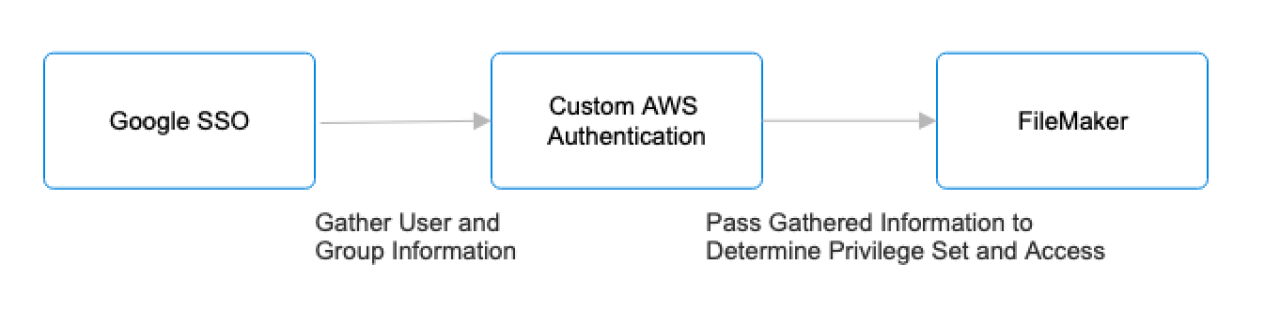
At a high level, the solution uses a custom authentication service hosted in AWS to connect Google SSO with FileMaker. Google handles user authentication, while the AWS service retrieves the user's Google Group memberships and provides that information to FileMaker via an OpenID Connect (OIDC) connection. FileMaker can then use the user's group memberships to determine their access level within the solution. This allows Google Groups to serve as the central point for managing user access without requiring administrators to maintain individual permissions in FileMaker.
Behind the scenes, the authentication service uses the Google Admin SDK to securely access group information within the organization's Google Workspace environment. AWS handles authentication and securely manages credentials and authentication tokens to connect the two platforms. FileMaker is then configured to recognize the information provided by the service and map the user's Google Group memberships to the appropriate FileMaker accounts and privilege sets.
Benefits
This solution provides several benefits to organizations already using the Google Workspace platform. By tying Google Groups directly to FileMaker access, system administrators can manage user access by role in a single centralized location rather than maintaining separate access rules for each user. Changes to group membership can affect FileMaker access, making processes such as new-employee onboarding and access removal much simpler for administrators. Group-based authentication also provides a more consistent user experience by extending existing Google Workspace security policies and management practices to FileMaker without requiring separate accounts and passwords.
Conclusion
By connecting Google Groups with FileMaker, organizations can extend their existing Google Workspace setup to their FileMaker solutions, closing the gap between the two systems. Users continue logging in with their existing credentials, while administrators manage access through the same familiar Workspace groups they already use, rather than maintaining separate permissions in FileMaker.
The result is a simpler, more scalable way to manage FileMaker access as an organization grows or user roles change, one that turns onboarding a new employee or updating access after a departure into a quick group update rather than a manual, one-by-one process.
If your organization is already using Google Workspace, group-based authentication could be a valuable addition to your FileMaker solution. See what other FileMaker integrations can do for your business, or contact us at DB Services to explore how this approach could work for your team.
Did you know we are an authorized reseller for Claris FileMaker Licensing?
Contact us to discuss upgrading your Claris FileMaker software.