
Great software earns attention in the first few seconds. A clear, intuitive interface helps users find what they need, finish tasks faster, and keep coming back. At DB Services, we design and prototype that experience in Figma before writing a single line of code, so stakeholders see the product early and changes happen when they cost the least. Every design decision starts with the end goal: what the user needs to accomplish and how the interface guides them there.
Here’s how that process works, from first sketch to developer handoff.
How Figma Powers Our UI/UX Design Process
Wireframes and Mockups
Wireframes and mockups let us catch UI and UX issues early, when they’re quick and inexpensive to fix, and keep development moving without rework. Because we handle both technical and visual design, our mockups reflect how the system actually works. Understanding the database schema, for example, helps us set a clear visual and interactive hierarchy. Accounting for technical requirements up front means what we design is what gets built.
Why We Design in Figma
Figma, a leading UI design platform, lets designers, developers, and stakeholders collaborate on digital designs. According to IPO documentation in March of 2025, Figma had 13 million active users, two-thirds of whom were non-designers. High-fidelity, working prototypes are created in Figma to flesh out a system before any code is written. These designs and prototypes are then handed off to developers to execute the project.
Rough Sketches to Refined Designs
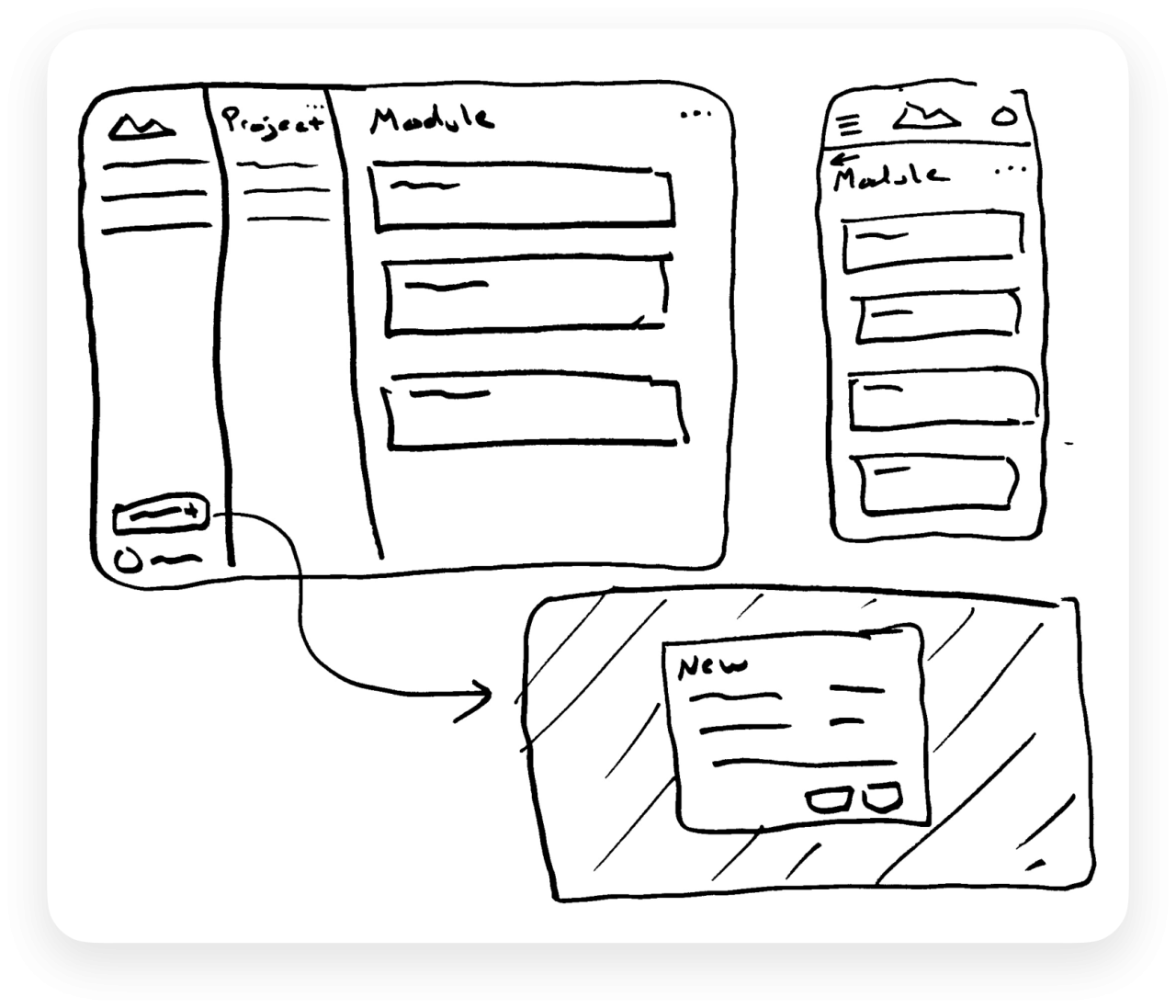
Every project starts on paper. Quick sketches let us map the application’s flow and core functionality in minutes and test several ideas before committing to one. A thick marker keeps the focus on flow and structure rather than on small details. Each round of iteration moves the design closer to a working prototype. Early in a project, the cone of uncertainty (the range of possible outcomes for scope, cost, and timeline) is widest, and each iteration narrows it.
Building a Consistent Design System
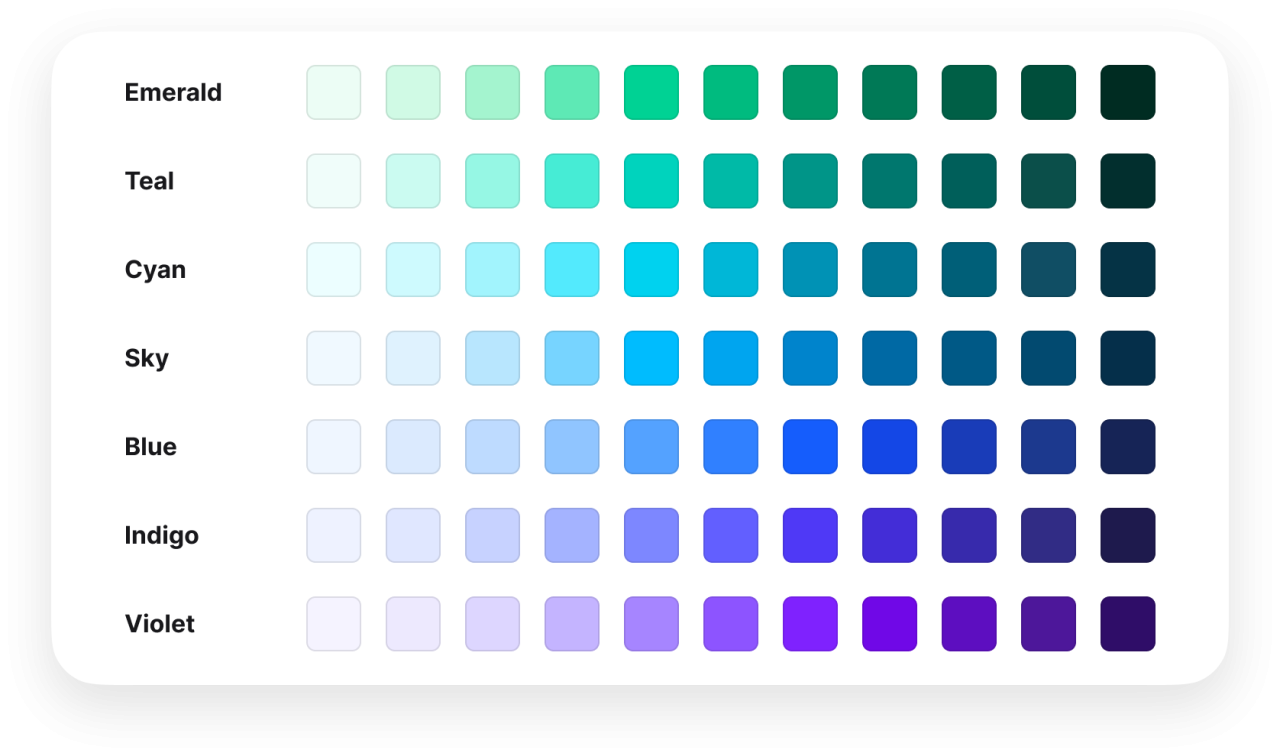
After the wireframe sketches are complete, various systems and components are defined to keep UI elements consistent and predictable, and to follow any project’s branding guidelines. For example, a set of font sizes, weights, and styles is defined for use throughout the application. Making these decisions up front and picking from a limited set of values when creating the design removes uncertainty throughout the process. It unifies the design by preventing a random set of font sizes from appearing in the application.
Initial digital mockups are often done in grayscale. This ensures that elements such as contrast, legibility, iconography, and sizing are implemented in an accessible, easy-to-understand way. Color is then added to help emphasize certain elements and actions.
Designing for Every Device
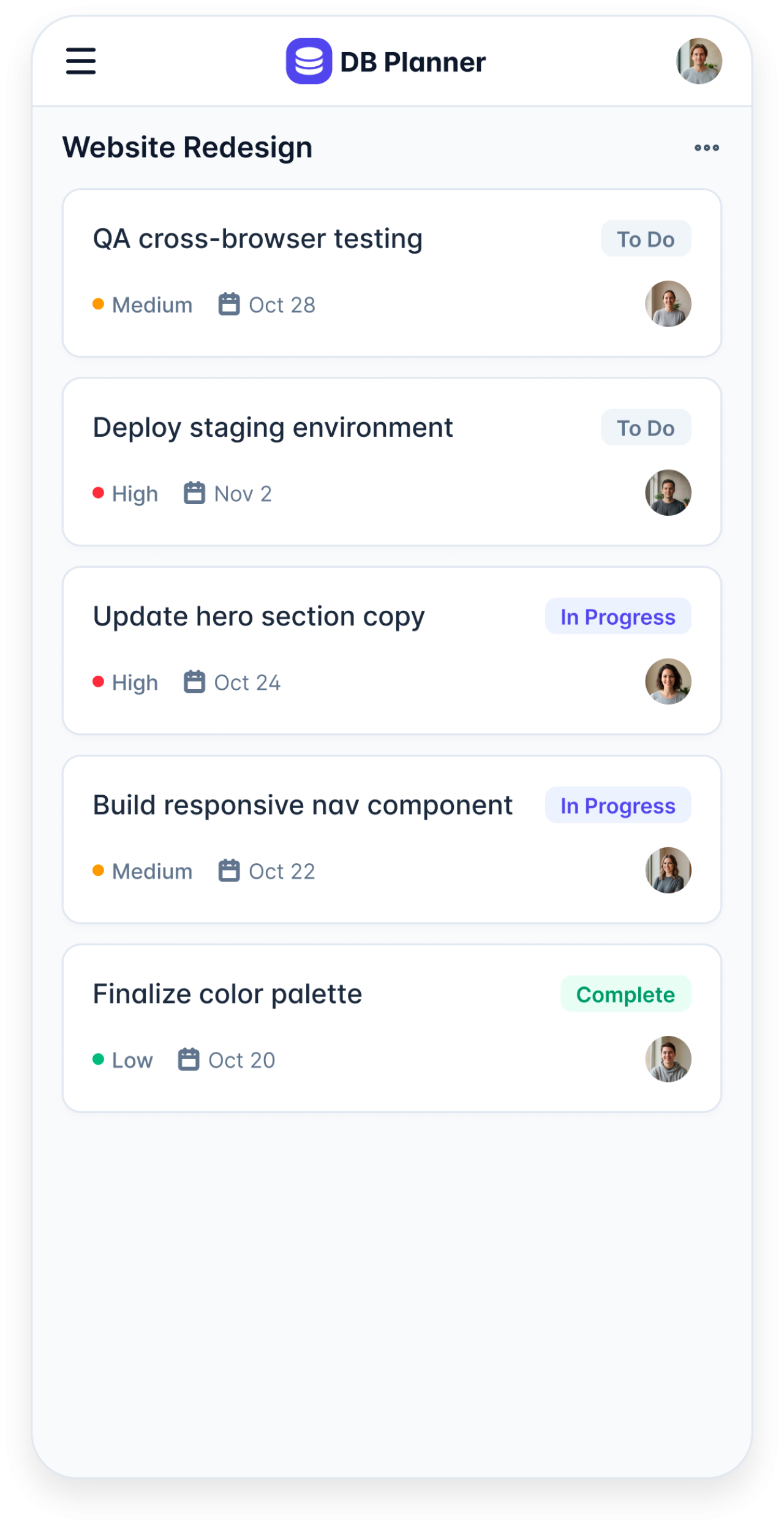
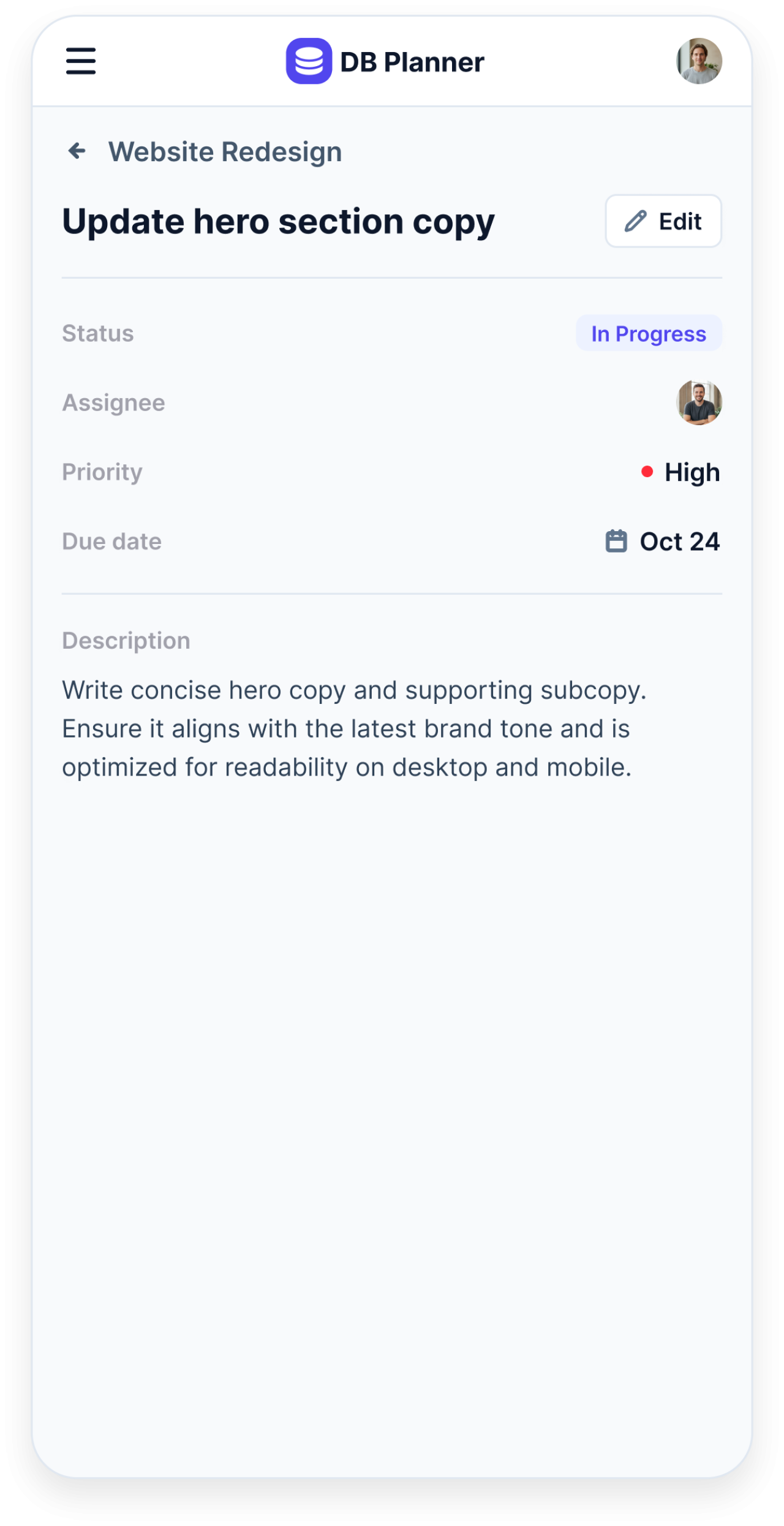
When an application needs to work across desktop, tablet, and mobile, we create mockups for each screen size. That keeps the development team and stakeholders aligned and gives users a strong experience on every device. Touch-friendly elements need to be considered when designing for smaller touchscreen devices. The screen size limitations of mobile devices can cause workflows to operate differently than they would on a larger display.
Collecting Feedback in Real Time
It is important to gather and act on feedback from stakeholders and end users on the mockups, if possible. Figma allows stakeholders to give feedback and pin comments directly to relevant elements. All updates are reflected in real time in a shared design. As feedback is collected and implemented, the cone of uncertainty narrows, and the application starts to take shape. Some refinements, such as colors, spacing, sizing, and copy, are often easier to finalize during development, so we save those for the build.
How AI Is Changing the Design Process
Generative AI is speeding up design work. In May 2026, Figma began rolling out an AI design agent that creates and edits designs directly on the canvas. Agents like this make it faster to explore ideas, convert desktop layouts to mobile layouts, add a dark mode theme, or populate designs with realistic mock data. A well-defined design system still matters: it’s what keeps AI-generated screens consistent with the rest of the application.
Handing Off to Development
Once designers, developers, and stakeholders sign off on the design, it moves to development. Figma’s Dev Mode lets developers inspect each component and pull the exact styling and code values they need, so what gets built matches what was approved.
Conclusion
Good visual design guides users toward their goals and makes software easier to adopt. As full-stack consultants, our team understands both the technical and visual sides of a project, and Figma is how we bring them together, from early wireframes to a fully custom application built around how your business works!
If you're ready to design your next web app, portal, or custom software project the right way from the start, let's talk.