
FileMaker excels at managing structured data, but some tasks benefit from a more visual approach, such as creating mockups, annotating documents, or organizing ideas. By using a webviewer, a Whiteboard can be built directly within FileMaker to create and manage visual elements alongside your data. This adds flexibility without relying on external tools, keeping everything connected within your FileMaker solution.
So what exactly does a Whiteboard look like in practice, and how does it work within FileMaker? This article breaks down the concept, functionality, and potential use cases of images and designs in Whiteboard Webviewers!
What is a Whiteboard?
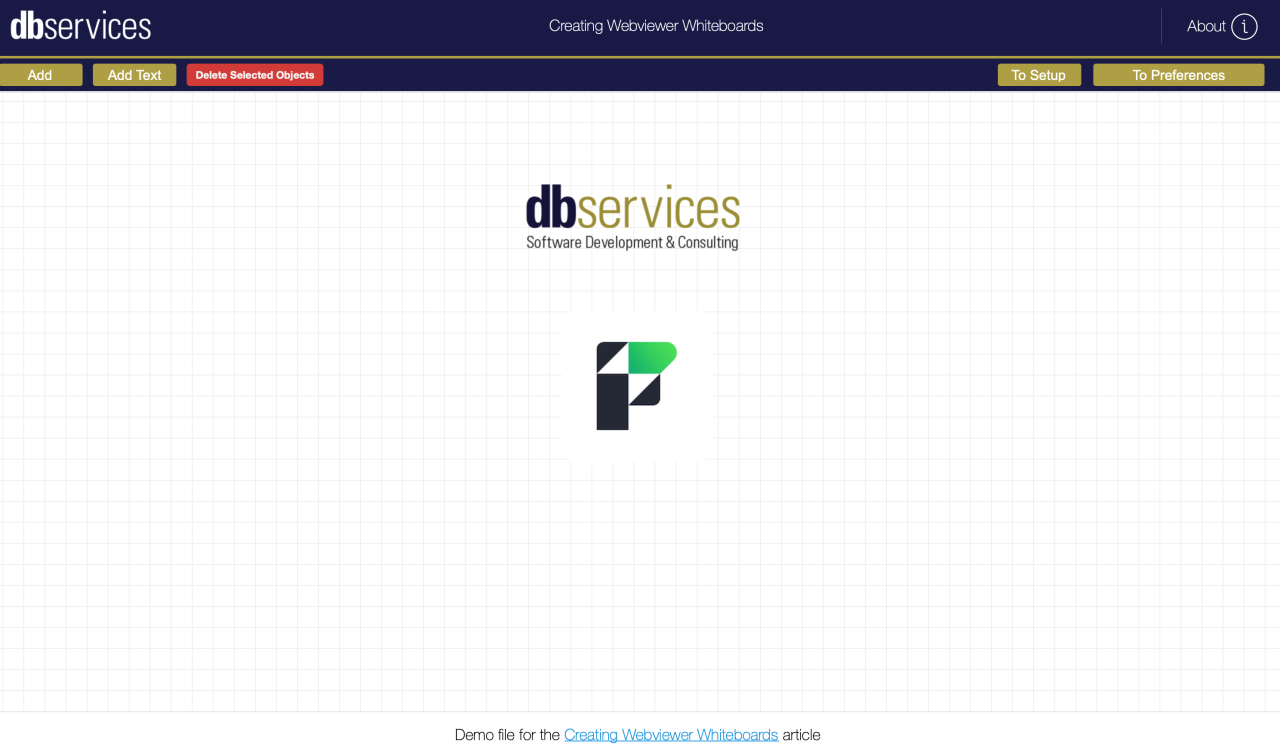
In our case, a Whiteboard is a FileMaker webviewer to freely manage images and/or text inserted and related to a parent whiteboard record. In this webviewer, items can be resized, repositioned, and organized into a format suited for your use case. Need to generate a graphic combining a few containers and a line of text - you can create a simple whiteboard to combine the items directly in FileMaker. Mockups of layouts or external pages can be made by inserting items such as textures or blocks, without the need for external tools. There are limitless possibilities for what can be created and managed in a Whiteboard.
How it Works
At its core, the whiteboard is simple - it's just a webviewer driven by two tables, Whiteboard and Document. Each whiteboard can have any number of documents attached, and each document is individually manageable on the canvas. The actions you can take on an object include, but aren't limited to:
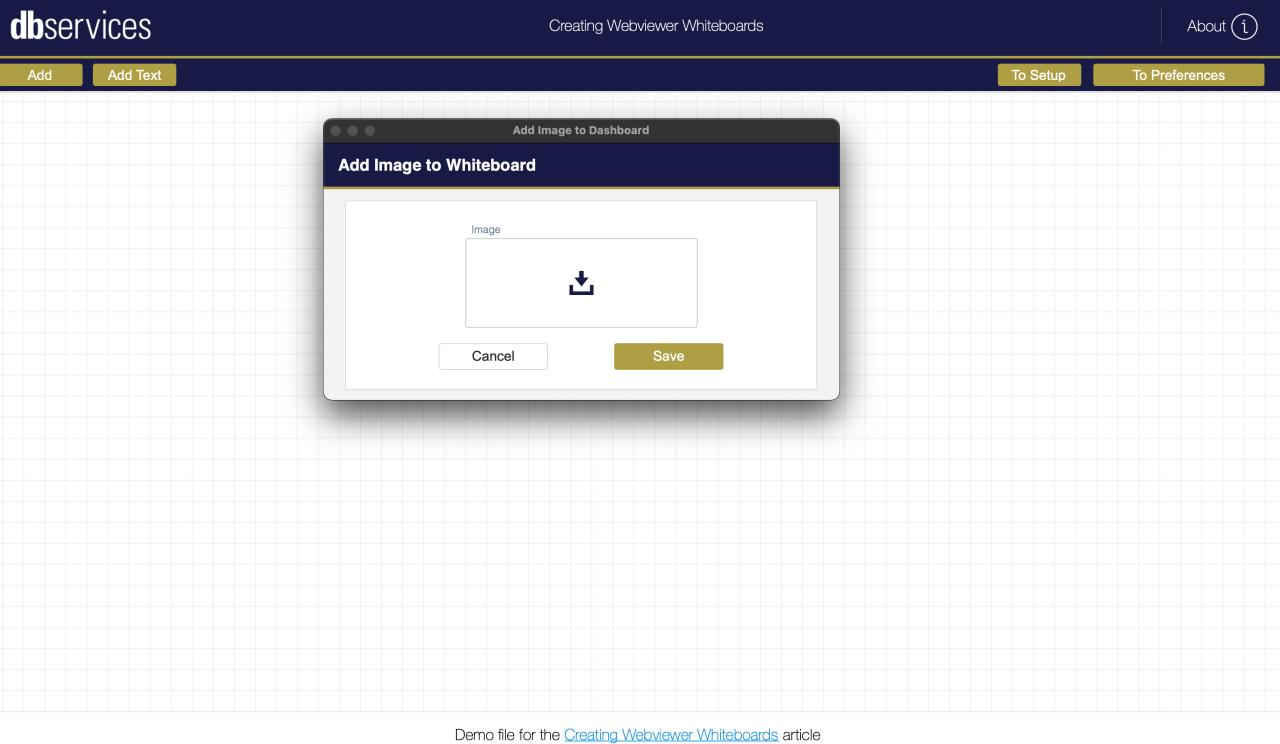
Add text and images - Insert an image or text object onto the whiteboard workspace
Resize and reposition objects - make text or an image larger or smaller in the context of the dashboard without resizing the original file, or move items around on the canvas.

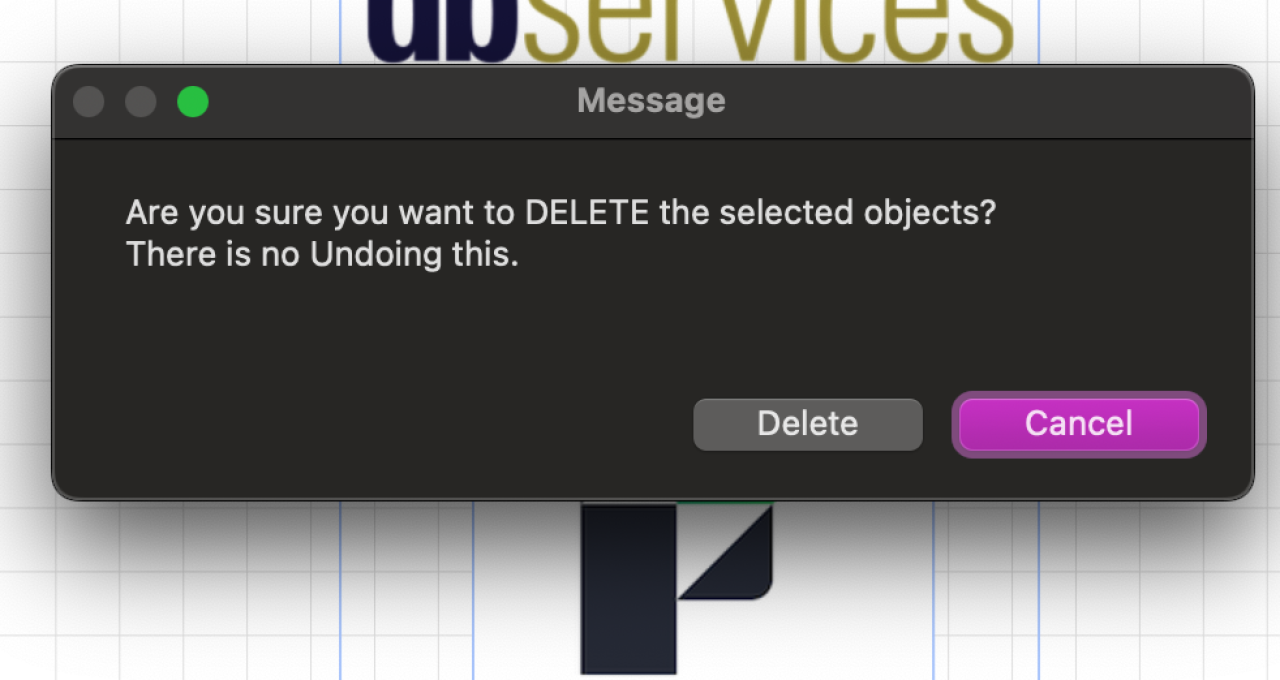
Delete objects - Decide that you no longer need a specific image or text block? No problem, select the object in question and delete it!
These three features, plus the base ability to add images and text, are the core functionality of the Whiteboard - but that's not the limit of what can be done!
Enhancement Possibilities
Going beyond the base functionality, there's plenty of room for customization and for expanding the Whiteboard's use cases. Templates of commonly used objects can be added to allow for reusable mock-up components. Arrows and object rotation can be configured for detailed flowcharts, and even document markup can be done within FileMaker - no need for external programs. Some possibilities include:
Flowcharts - with some minor adjustments to create templates of everyday flowchart items, such as arrows and boxes - the whiteboard can become a powerful tool for drafting ideas for workflows and processes.
Document Markup - Building on the base functionalities, this provides the ability to change text colors or insert shapes to indicate points of interest. A markup tool can be built in FileMaker for document review and management, eliminating the need for an external application.
Layout and UI Design Space - Use existing FileMaker assets to create a rough mockup of a new layout, web page, or banner, without exporting any data from the system. While this is achievable with base functionality, it can be further enhanced to include additional tools, such as reusable objects or design templates.
By building just a bit beyond the core functionality, the Whiteboard can be used in several practical scenarios, beyond the three above.
Conclusion
The true value of a FileMaker Whiteboard lies in its flexibility. It can function as a simple visual canvas or evolve into a specialized tool tailored to your organization’s workflows. Whether you’re designing layouts, marking up documents, or mapping out processes, a whiteboard enhances your FileMaker solution by keeping visual work and structured data in one cohesive system, without relying on external applications.
If you’re interested in adding a Whiteboard to your FileMaker solution or exploring how it could be customized for your use case, reach out to us at DB Services. We’d be happy to help you bring your ideas to life!
Did you know we are an authorized reseller for Claris FileMaker Licensing? Contact us to discuss upgrading your Claris FileMaker software.
Download the FileMaker Whiteboard Webviewer File
Please complete the form below to download your FREE FileMaker file.