
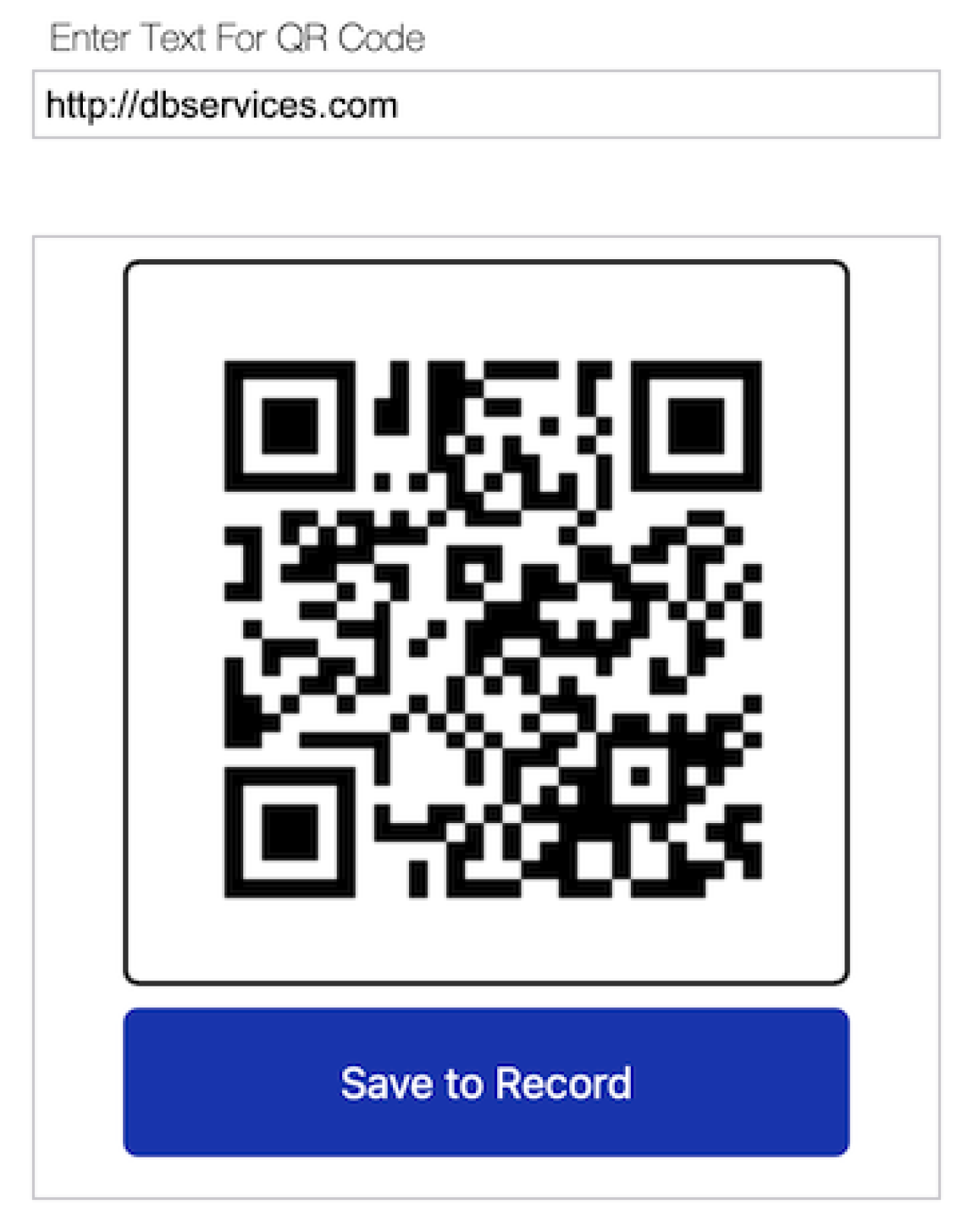
If you’ve ever needed to generate QR codes in FileMaker, you’ve probably found yourself exploring external APIs or third-party plug-ins. While those options can work, they’re not always necessary. With a simple Web Viewer, you can generate QR codes directly from text and save them to your records efficiently with no external services required!

How it Works
This WebViewer is a lightweight solution that can be implemented in any FileMaker system with minimal updates. It consists of just two FileMaker scripts in addition to the main WebViewer code.
FileMaker Scripts
The first script needed is a trigger that passes the entered text from your specified FileMaker field into the WebViewer using the Perform JavaScript in WebViewer step. This script can be tied to any text field, allowing you to pass any text value to be converted into a readable QR Code.

The second script is invoked from the WebViewer itself and saves the generated QR Code to a container field you've added to your layout. This allows users to save their generated QR codes and use them elsewhere. This script is explicitly named in the WebViewer, so any changes to the script name must also be made in the underlying WebViewer code.

The WebViewer
The WebViewer itself is a small Vue.js module that utilizes the qrcode.js library to create QR codes from text passed from FileMaker via the script mentioned above. Once the text is received, the QR code is generated, and a save button appears under the output to store it to the record currently in view. This button makes use of JavaScript's FileMaker.PerformScript to pass a Base64 encoded version of the QR code and store it as a PNG.
Enhancement Opportunities
While this tool is already useful and covers functionality not present in native FileMaker, it can be expanded to become more flexible and dramatically broaden its use cases.
Expanding to other barcode types - by including additional libraries and a selector, the functionality can be expanded to support other barcode styles such as Code 39, Code 128, or DataMatrix.
Batch saving of codes - with a bit of scripting, a process can be written to generate and save QR codes for an entire foundset of records.
Allowing for multiple QR Codes - if multiple QR codes must be generated per record, with minor updates and additional parameterization to handle data, the data can be saved to any number of containers on the layout as needed.
Conclusion
QR Code generation in FileMaker doesn't have to be complicated. With a simple WebViewer, you can keep your solution self-contained and lightweight, while opening the possibility to personalized enhancements that meet your needs. If you'd like more information or need help implementing QR Code generation into your system, please contact us at DB Services, and we'd be happy to help!
Did you know we are an authorized reseller for Claris FileMaker Licensing?
Contact us to discuss upgrading your Claris FileMaker software.
Download the QR Code Generator File
Please complete the form below to download your FREE FileMaker file.