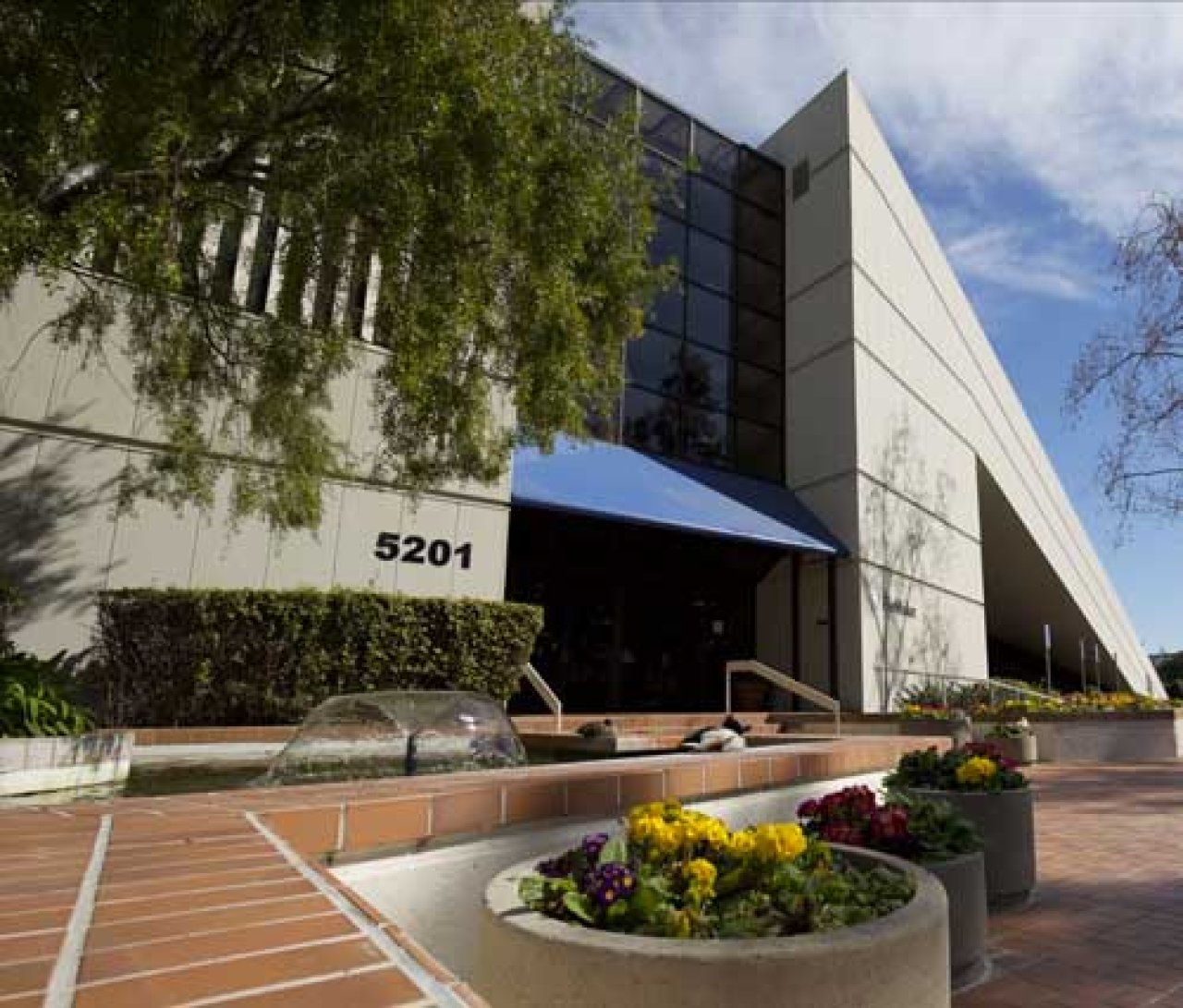
Apple’s Secret Subsidiary
When the average person thinks of Apple products they typically think of their beloved iPhone they can’t live without, or maybe their shiny new Apple Watch, but more than likely they\_are not thinking about FileMaker. FileMaker is software used to create custom applications specific to individual business needs. No other product of its kind has the support of Apple, a company that is continuously on the forefront of technology.
Claris Studio: Dashboards
Claris Studio is a new tool that makes your data easily accessible from the web. There are multiple ways to view data in Studio; in this article, we will be discussing Dashboards. Dashboards provide a visual representation of your company's data. Users can quickly build graphical displays to view relevant information. Includes a video and sample data.

AWS: Why Go Serverless?
AWS provides users with a framework and a set of tools for building powerful serverless applications. These tools offer the ability to run code, run and build your applications, and manage your data all while not having to worry about managing and maintaining servers. If you are looking for a way to quickly build large-scale applications while not having to worry about spending time on infrastructure or managing servers, building an application using AWS' serverless architecture may be the way to go.
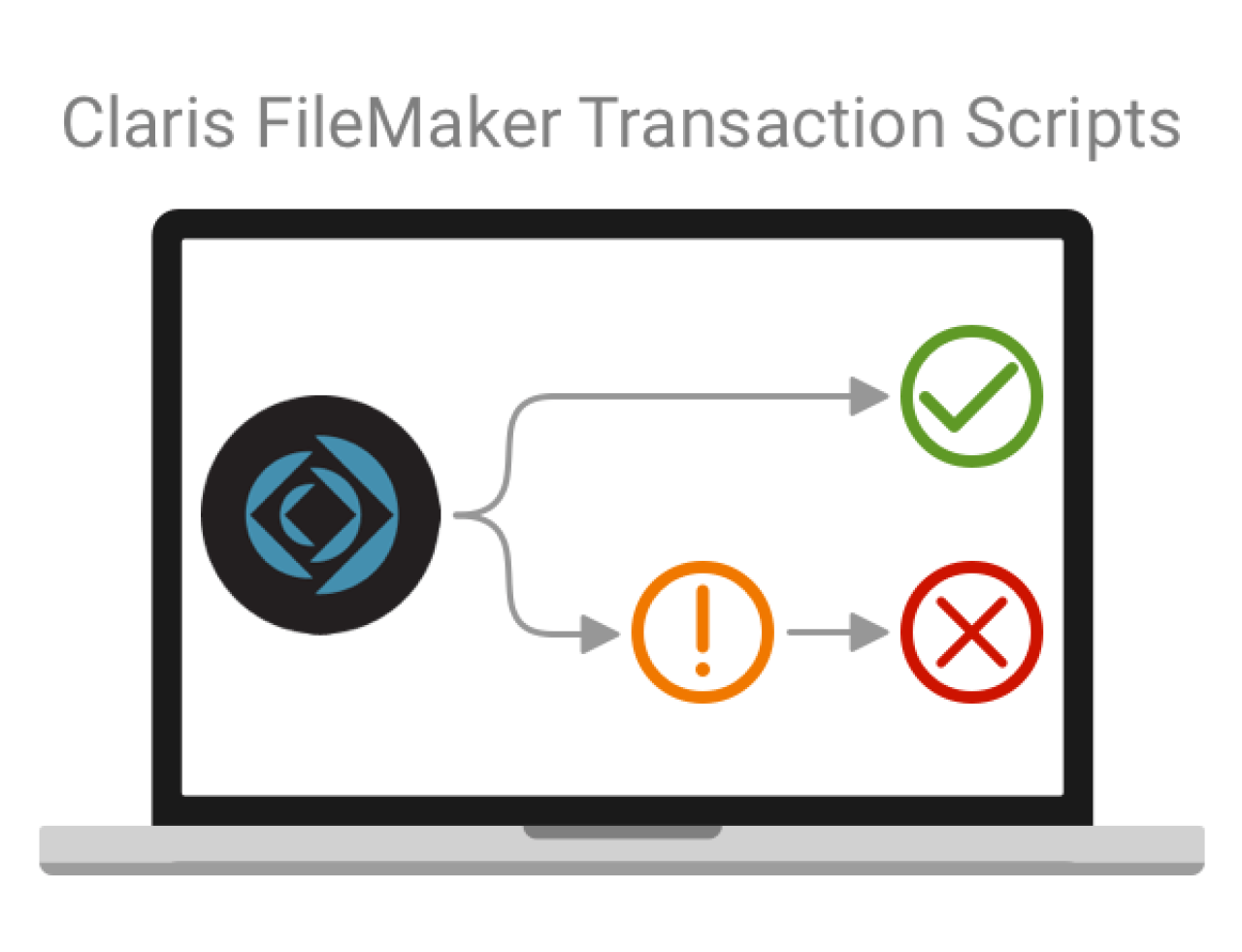
Claris FileMaker Transaction Scripts
For any system with multiple users, transactional scripting is a must to ensure data integrity. One of the most exciting features of Claris FileMaker 19.6 is the addition of transaction script steps. We dive deeper into the newly released Claris FileMaker 19.6 transaction script step functionality. Includes demo video and sample file.

Integrating Claris FileMaker With a SQL Database via ESS
We demonstrate how ESS (External SQL Data Source) allows users to connect an existing SQL database to a Claris FileMaker file as an external data source. This grants the user access to many of the functionalities of a standard FileMaker table while also allowing them to continue using the SQL database as they were. Includes sample file and video.
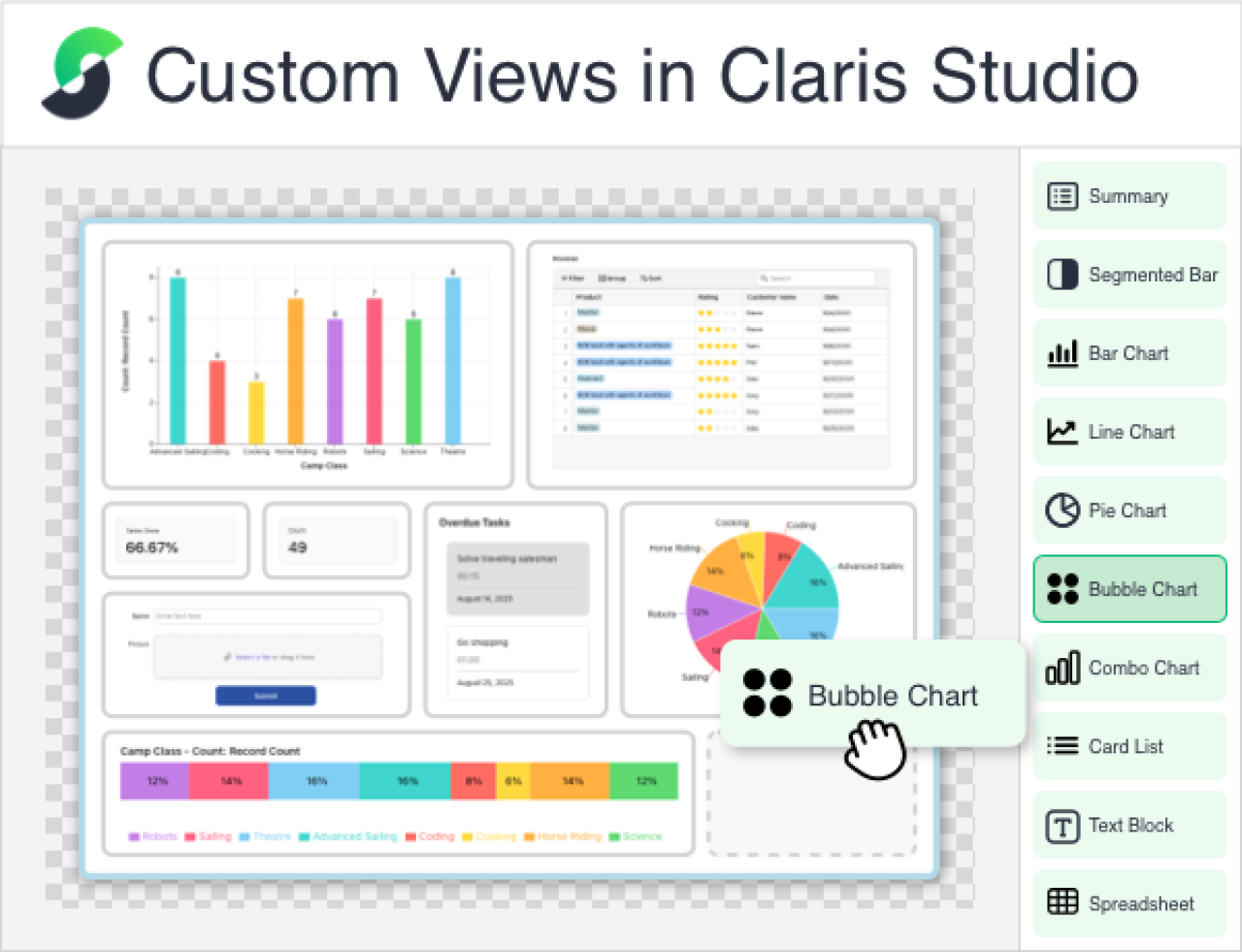
Custom Views in Claris Studio
As of May 2025, Claris Studio now includes Custom Views, making it easier to shape dashboards and interfaces around your workflow. You can mix and match elements from different views, create role-specific layouts for team members or vendors, and access your FileMaker data more efficiently. In this article, we’ll explore how Custom Views can simplify your work and share practical examples to help you get started.
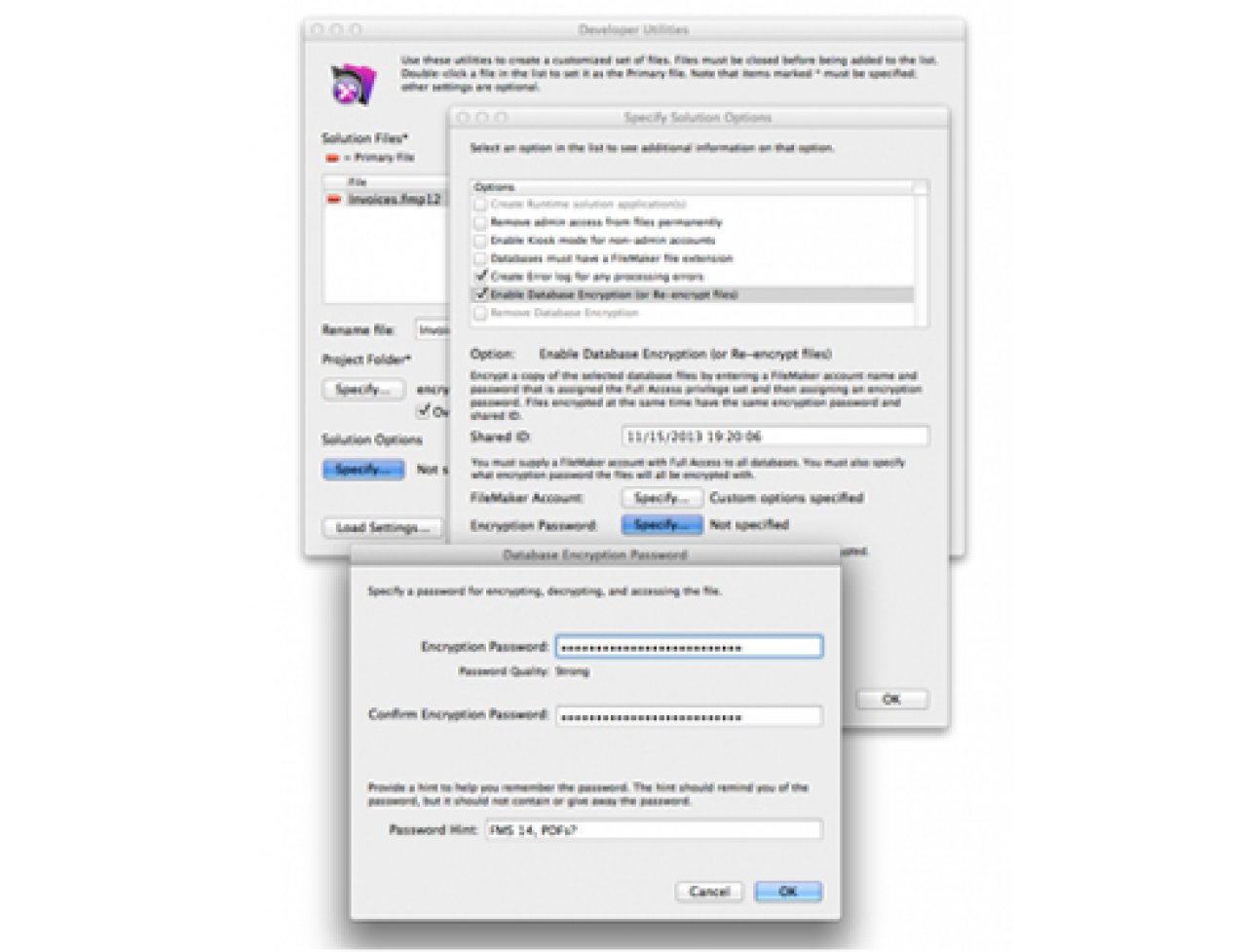
Rest Easy With Encrypted Databases in FileMaker
Encryption is a great new feature that gives you another level of security beyond a login. The files still appear as .fmp12 files, but require the encryption password to access.
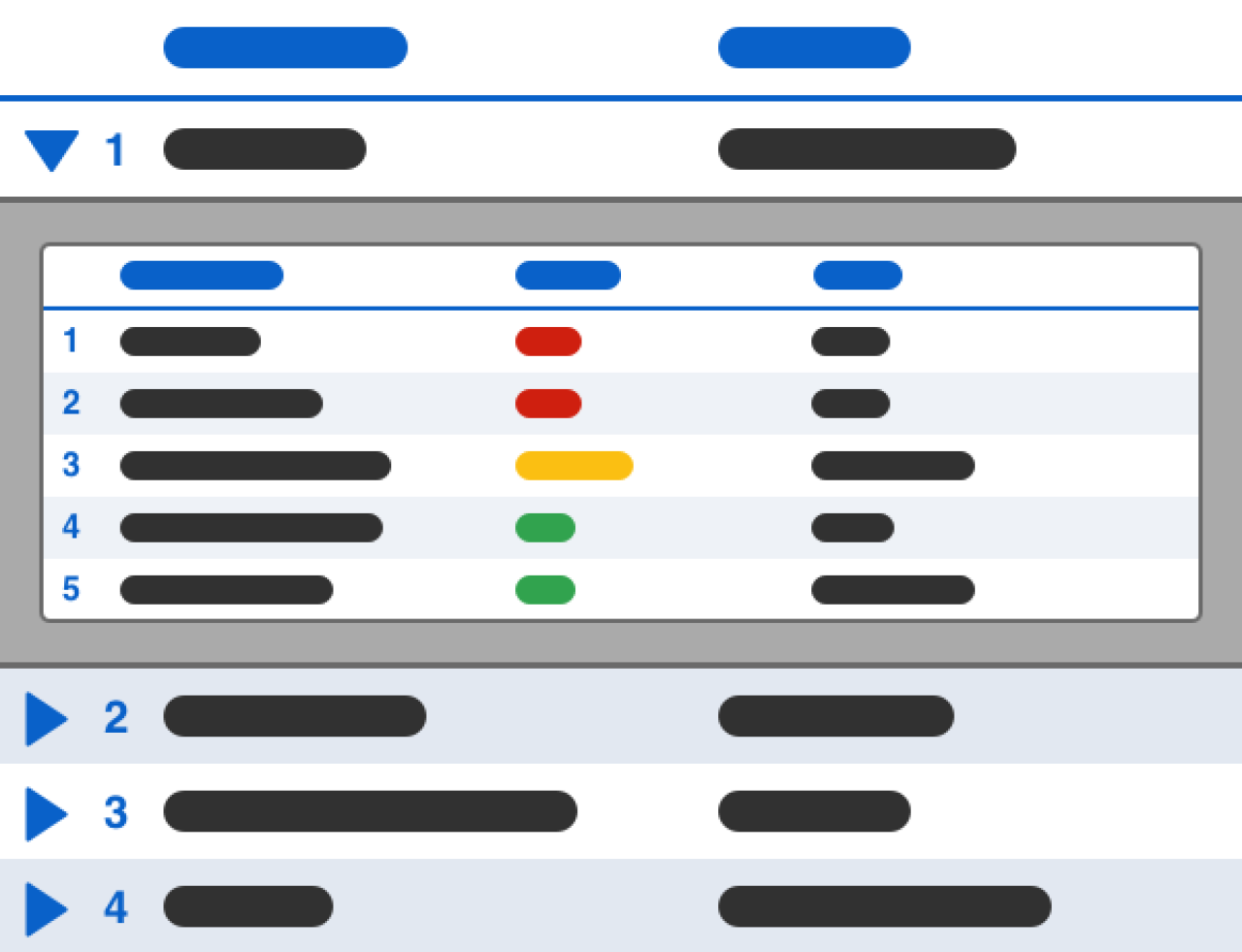
Collapsible Lists in Claris FileMaker
Creating a collapsible list in Claris FileMaker might initially seem challenging, but with a strategic approach using a web viewer, it becomes achievable. By leveraging the web viewer, you can create a dynamic list that incorporates FileMaker data seamlessly. We demo how to create a collapsible list in FileMaker to provide a more intuitive and efficient workflow for users. Includes a video and sample file.
Claris FileMaker WebDirect vs. Custom Web Applications
Many technologies that used to be restricted to a dedicated software have begun moving online, including Claris FileMaker. FileMaker WebDirect is one way you can bring your FileMaker solution straight to the web. We discuss the comparison between FileMaker WebDirect and building a custom web app. Includes demo video.
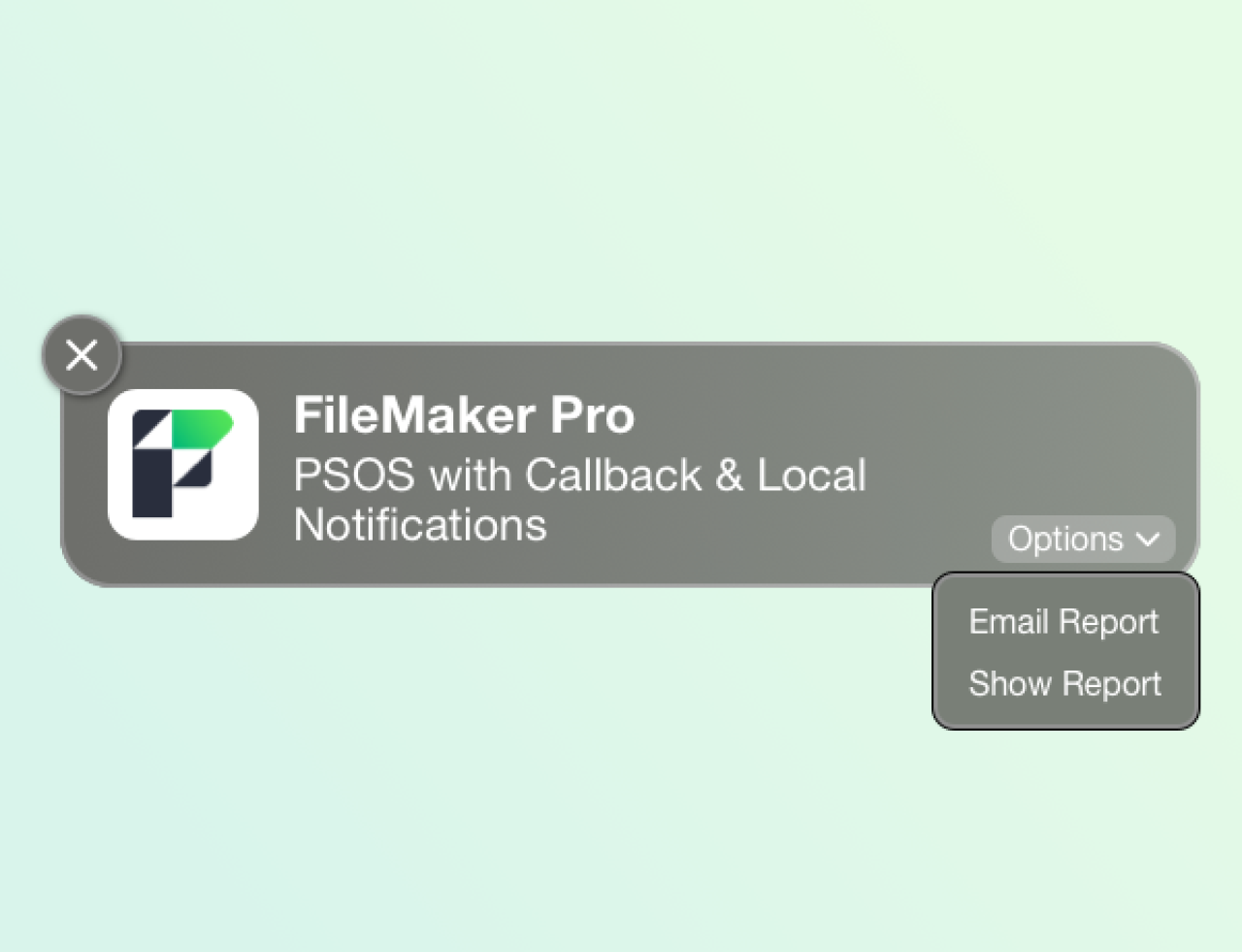
PSOS with Callback & Local Notifications in Claris FileMaker
Discover the latest advancements in FileMaker 2024 with our in-depth look at two game-changing features: PSOS with Callback and Configure Local Notification. These powerful tools can transform your development process, enhance productivity, and streamline workflows. Whether you’re running lengthy reports or managing complex scripts, these new functionalities offer greater flexibility and control. Let's explore practical examples of how to leverage these features to create efficient and responsive FileMaker solutions. Includes sample file and video.
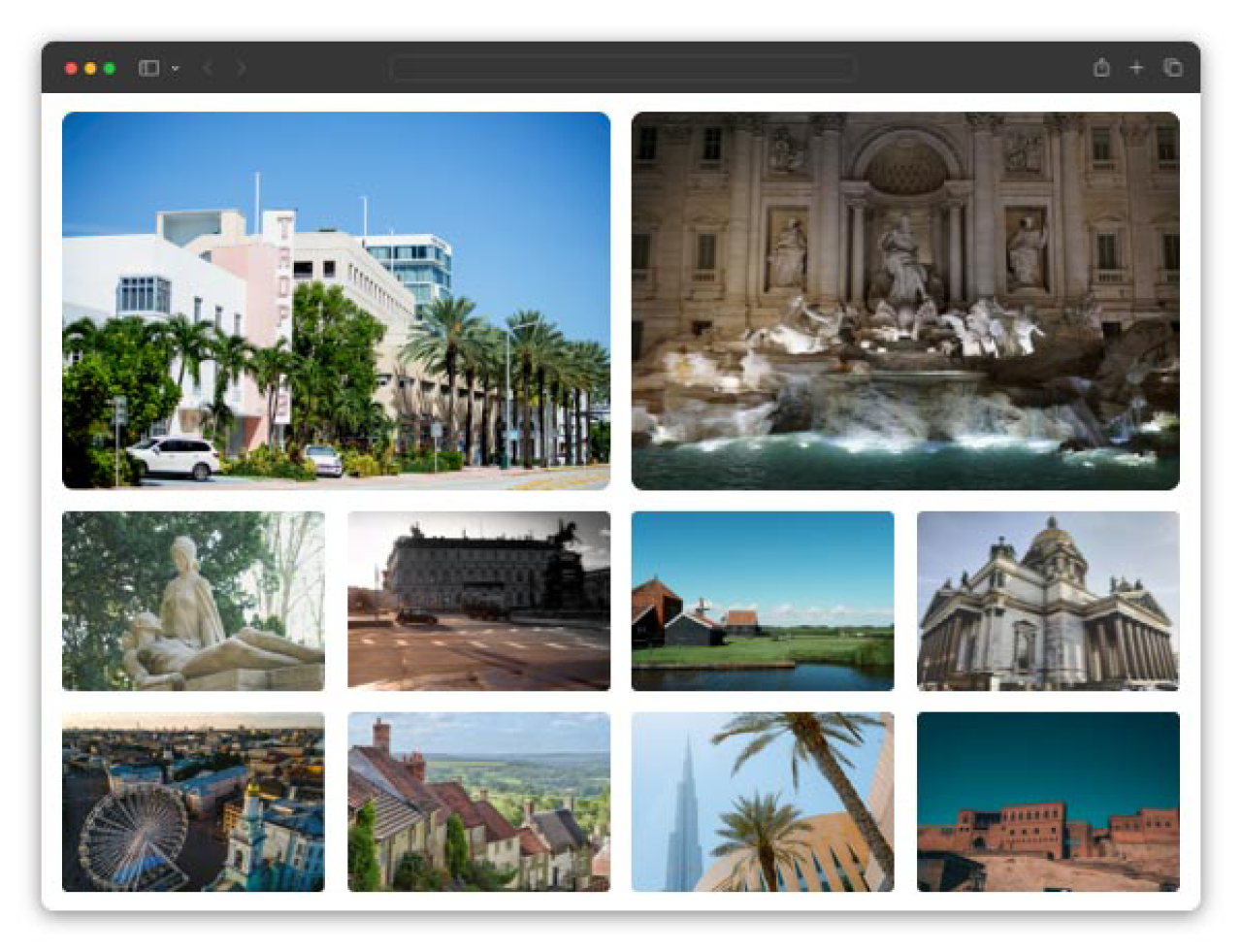
Responsive Grid Layouts for Web Applications
Creating responsive layouts is critical to user experience (UX) when building software applications. All user interface (UI) components — navigation, lists, forms, grids — must adapt to various screen sizes, device orientations, font sizes, user themes, accessibility needs, and more. This article focuses on creating thoughtfully designed grid interfaces that address all of these needs.
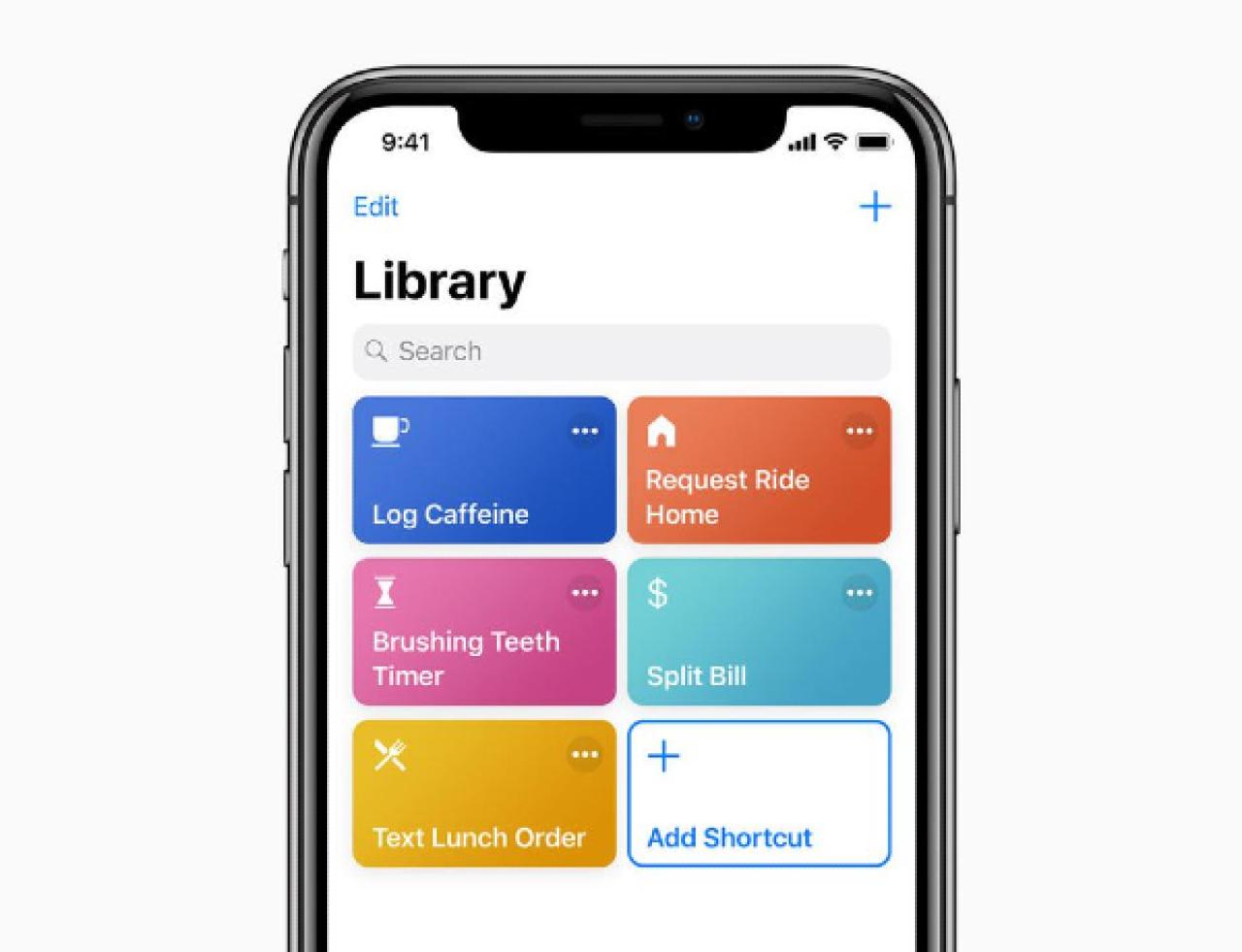
Siri Shortcuts in FileMaker Go
Siri Shortcuts take FileMaker Go into the real world with voice commands, saving you time and and effort in your workflows. Includes a video and sample file.
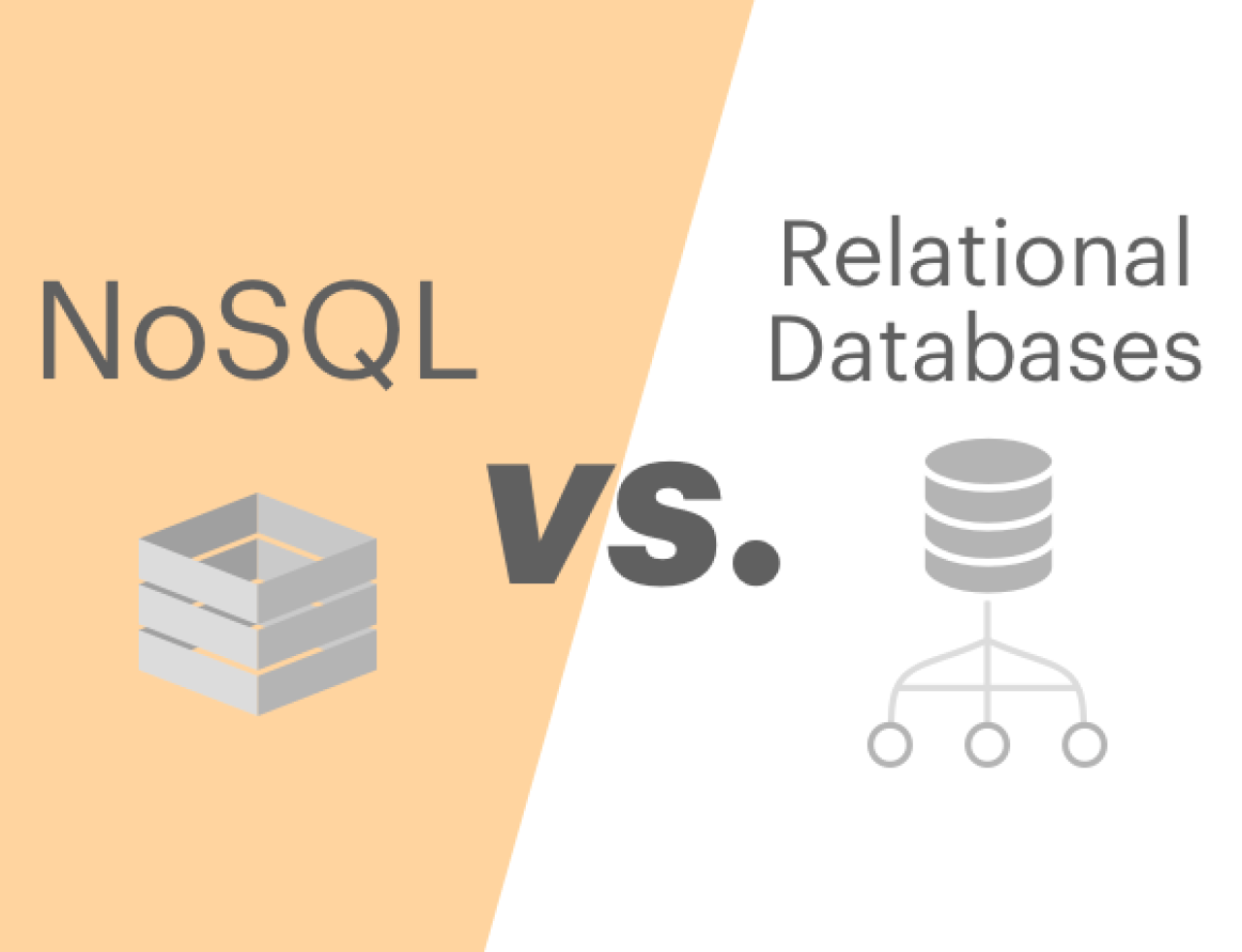
NoSQL vs. Relational Databases
For decades, relational databases have been the go-to choice for developers. However, in recent years, relational databases have struggled with the workload that many applications now use day-to-day. That's where NoSQL databases like Amazon DynamoDB shine. NoSQL databases are able to scale well to meet these requirements and allows for a less structured design. We discuss some of the differences between NoSQL and Relational databases.
FileMaker Server Plug-Ins and Schedules
If you're using a FileMaker robot, get ready to say good-bye to it: FileMaker Server now has the ability for server-side plugins to be installed and scheduled to run FileMaker scripts or System Level operating system scripts based on your schedule setup.

DB Services Awarded GSA Schedule Contract
The U.S. General Services Administration (GSA) has awarded DB Services a schedule contract for Information Technology Professional Services and Software Licenses. As an awardee, DB Services offers its consulting and development services along with software licenses to federal, state, and local government agencies, allowing them quick and easy access to Claris FileMaker Software and Developer Services.
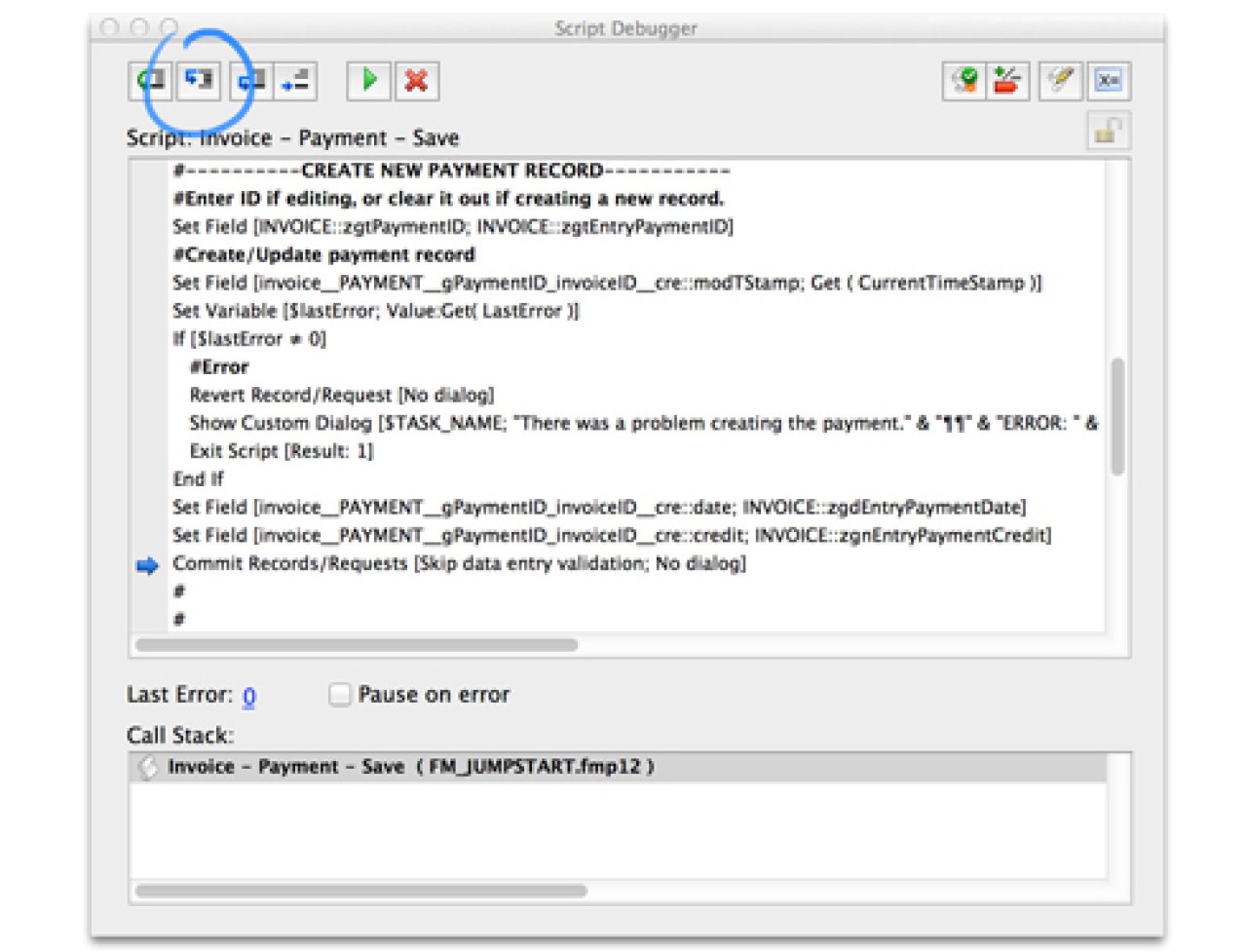
FileMaker Scripting Best Practices and Conventions
Learn how to make applications easier on the users and other developers by making code that is robust and readable. A few tips and techniques for scripting that we use in systems are highlighted. Be sure to download our FileMaker Scripting Template database examples.

Get Access to Claris Studio
Ready to take your FileMaker application to the next level? Discover how Claris Studio can help you leverage the data that drives your business. Claris Studio is the fastest way to build web experiences, enabling you to engage with your audience, improve collaboration, and increase visibility of your most important data - all within the Claris platform. Get Claris Studio now at no additional cost.

AI in Professional Services: Finding the Perfect Balance
As AI technology continues to advance rapidly and affect nearly every industry worldwide, you may be wondering: What is the optimal balance between AI and human expertise? Many professional services firms are adopting artificial intelligence (AI) as a strategic tool to enhance service delivery, streamline operations, and stay competitive while maintaining the human expertise that defines their value. We explore how firms can implement AI technologies effectively while still preserving professional judgment, personal relationships, and client trust.

FileMaker Icons, Buttons, Interface Design Tips
Making a great interface in FileMaker means using buttons and icons. Icons help you visually communicate a better user experience. Download the FamFamFam library of transparent PNGs.
FileMaker Text Message Integration with Message Media
In today's world, one of the fastest and most effective ways to reach your customers is through text messaging. With Message Media integrated into your FileMaker solution, you can contact any potential prospects or existing customers with minimal effort, right on their mobile devices. Includes a video and sample file.