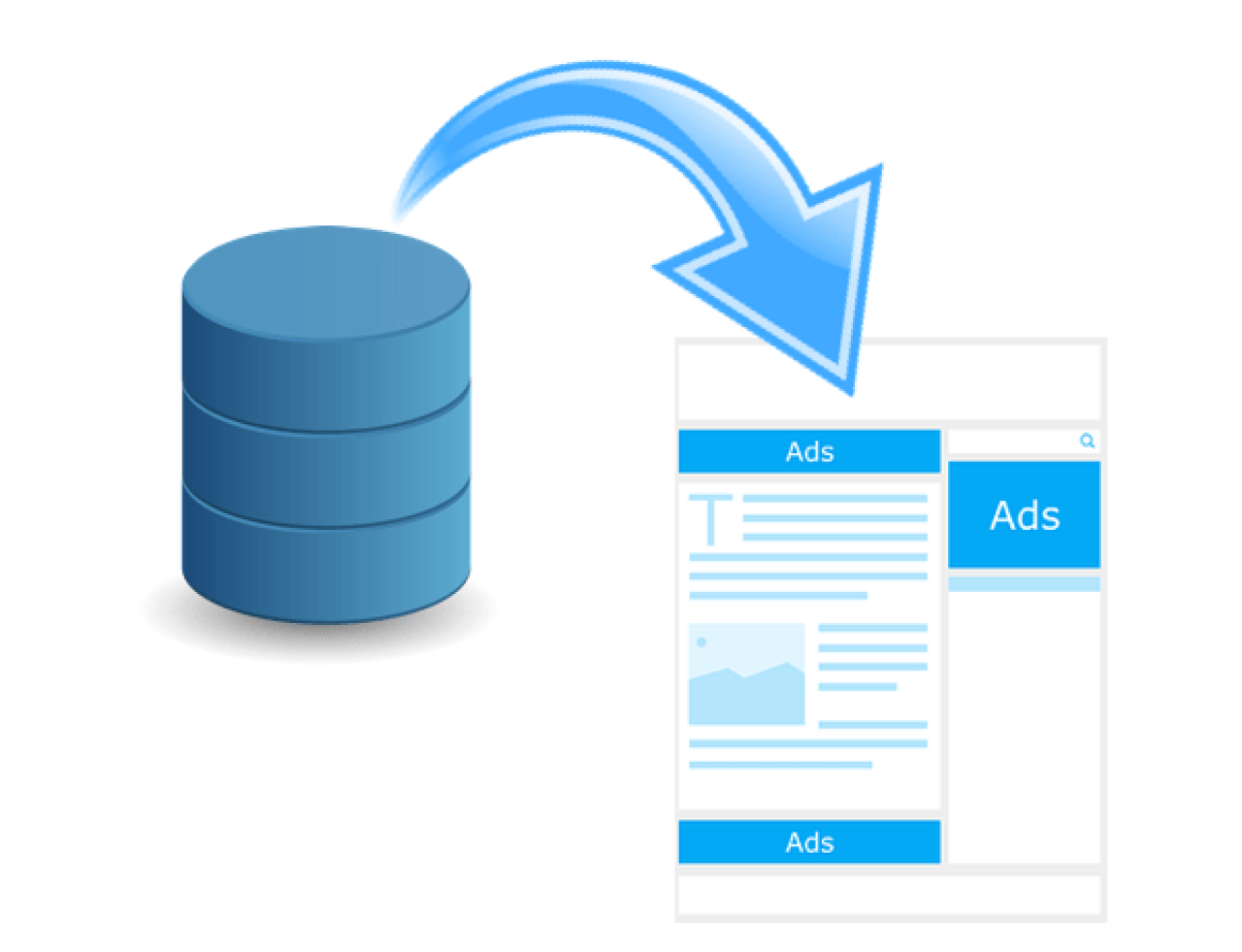
FileMaker Adobe InDesign Integration
FileMaker can easily integrate with Adobe InDesign and create powerful InDesign documents by generating XML out of FileMaker. With a bit of additional development, you can even automate the process of placing text and photos directly on the page for designs that rarely need adjustments. Save time and reduce human error by automating repetitive Adobe InDesign processes and eliminate double data entry. We will show you how to use FileMaker and Adobe InDesign to make elegant designs with just a few clicks. Includes a video and free sample file.
FM Quickstart 18
FM Quickstart is a free CRM template for FileMaker that can be customized to meet your business needs and has 9 modules you can utilize. Learn more about FM Quickstart and whats new in FileMaker 18.
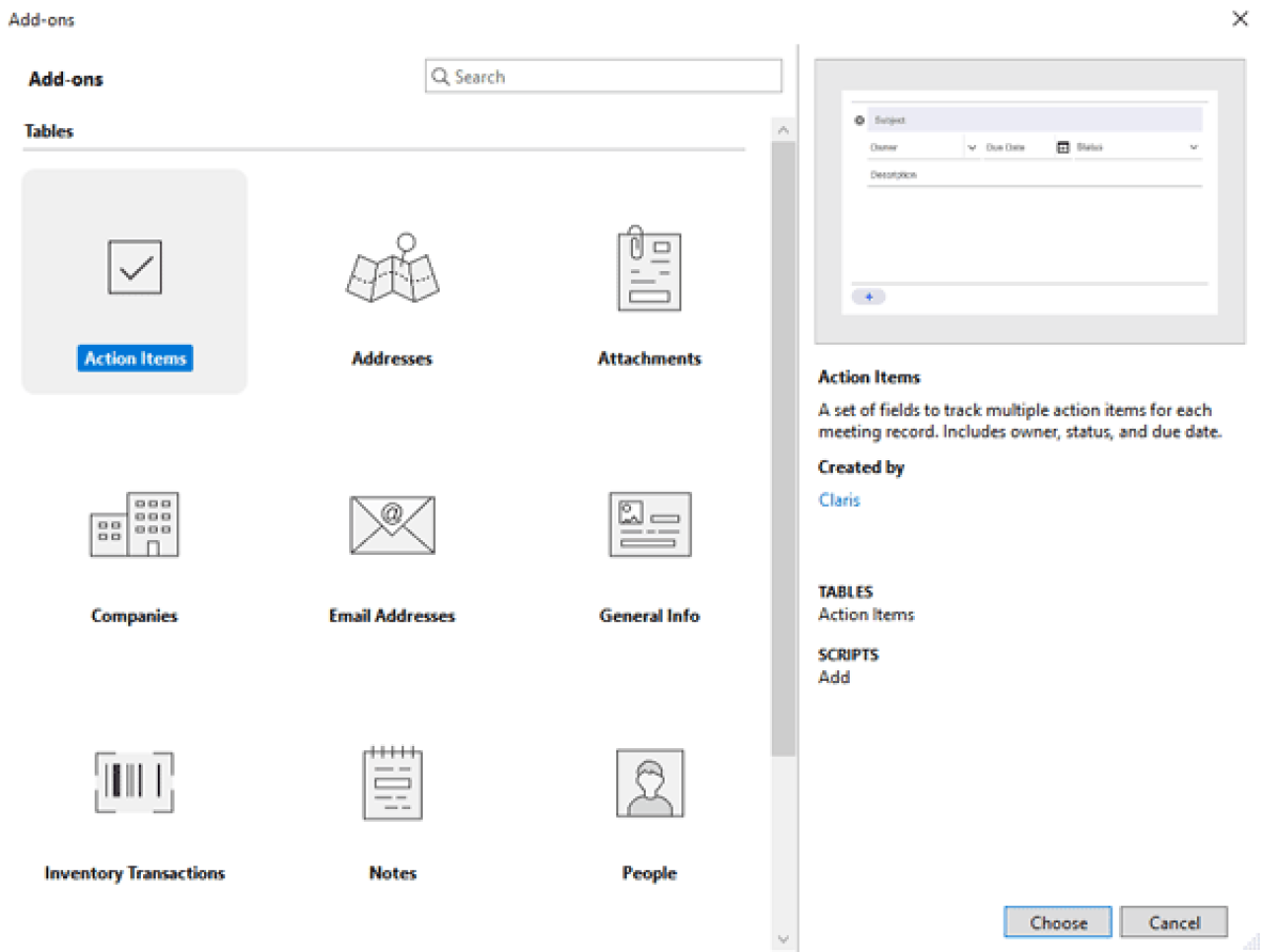
Creating FileMaker Add-Ons
Using add-ons makes installing features in your custom FileMaker solution faster and easier than ever before. You can install pre-made add-ons, or create your own, saving time and effort. Includes video and sample file.

FileMaker Machine Learning Using CoreML
Learn how to use FileMaker’s native machine learning capabilities to integrate artificial intelligence into your business. Includes a video and sample file.

FileMaker JavaScript Web Viewer Integration
Web viewers are a great way to gather and display information not native to FileMaker. The JavaScript web viewer integration has made implementation of web apps in your FileMaker solutions easier than ever by making communication between the two easier to develop. Includes a video and sample file.
FM Quickstart 19
FM Quickstart, the premier free CRM app for FileMaker, has been updated for FileMaker 19. Several new features and modules have been added including Task Lists, Calendar, and more. FM Quickstart Implementation Plans have also been added to our services offered in order to assist with setup and customization of FM Quickstart. Includes video and a sample file.
FileMaker® Formstack Integration
Formstack takes your FileMaker® data collection to the next level! Formstack can automate document creation, collect secure signatures, and drive your data collection with astonishingly customizable forms. Our integration guide includes a video and sample files to get you started!
FM Quickstart 22
FM Quickstart, the premier free ERP app for FileMaker, has been updated for the latest version of FileMaker. Several new features have been added including Leads and Opportunities modules, QuickBooks Online Integration, iPhone functionality, and more. Includes demo videos.
FileMaker Google Maps Polygon Integration
Google offers a plethora of APIs to integrate different Maps features in custom solutions, including polygons. In this article, we will demonstrate how to display important geographic information in your FileMaker solution using the Google Maps JavaScript API polygons feature. Includes a video and sample file.
FM Quickstart 2023
FM Quickstart, the premier free ERP app for FileMaker, has been updated for the latest version of FileMaker. This bundle of new features is sure to improve your system's functionality and speed while expanding the limits of your database. Includes a demo video.
Introducing Claris FileMaker 2023
Claris FileMaker 2023 is here! This newest update brings with it quality-of-life changes and native data-logging capabilities. In this article, we’ll take a look at the highlights of the latest release.
FM Quickstart 2024
FM Quickstart, the premier free ERP app for FileMaker, has been updated for the latest version of FileMaker. Exciting new features include task history, price breaks, BANT reports, contact/company consolidation, and more! Includes demo video.
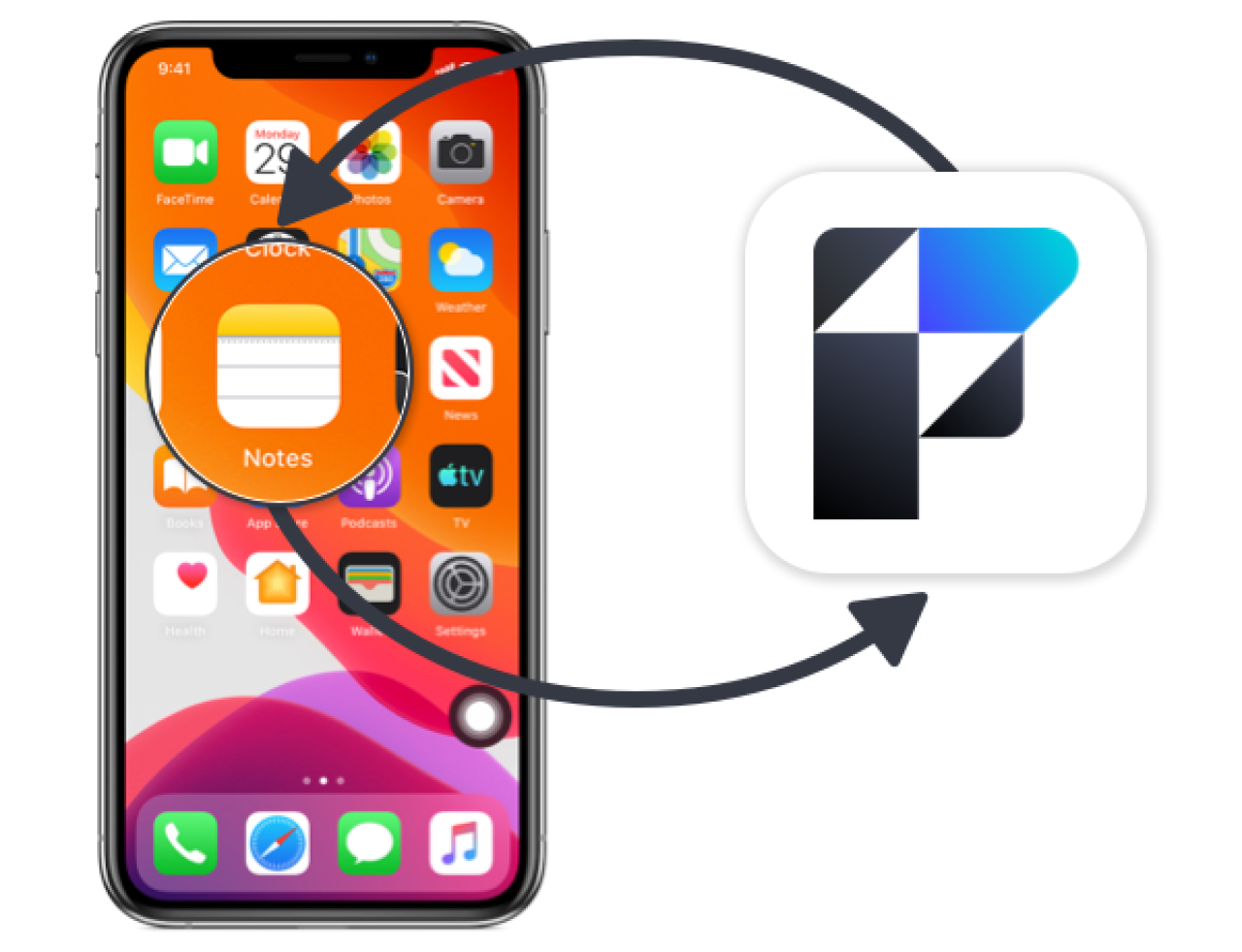
Communicating with Mobile Apps via FileMaker Go
We demo how communication between your Filemaker Go app and your business's other mobile apps can help reduce double data entry, make data more easily accessible, and boost productivity. Includes a sample file and video.
Your Annual FileMaker Contract Has Expired
Claris FileMaker has implemented a termination policy for annual licensing agreements. All FileMaker contracts must be renewed by their expiration date. Failure to renew will result in contract termination, meaning your organization will no longer have access to your FileMaker application. If your Claris FileMaker license has expired or is due for renewal, we can help you save money!
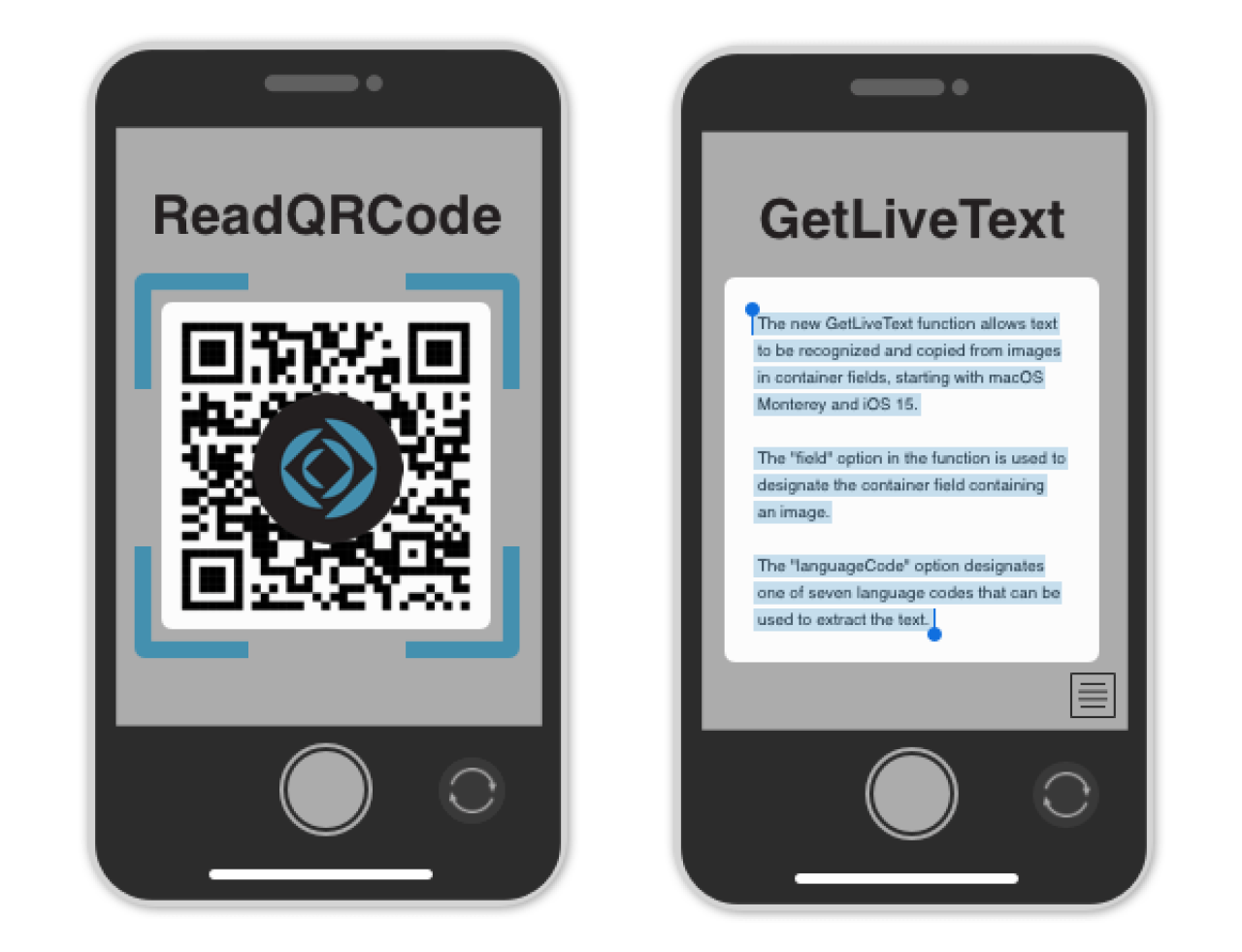
FileMaker CopyLiveText & ReadQRCode Functions
With the release of Claris FileMaker 19.5, there are some new functions related to containers that offer new ways to increase efficiency, accessibility, and utility in app development. Learn about two new functions coming to FileMaker Pro 19.5 that open up new options for using containers both on desktop and on mobile. Includes a video and sample file.

Audit Logging in Claris FileMaker
In Claris FileMaker, audit logs provide a detailed history of changes to records that are essential for maintaining the security, integrity, and compliance of any database system. From native FileMaker capabilities to third-party options, the choices you have for audit logging solutions are just as diverse as the data in the logs themselves. Includes demo file and video.
AI in Claris FileMaker: Perform Find by Natural Language
The Perform Find by Natural Language feature in Claris FileMaker 2025 allows users to perform finds using natural language prompts instead of traditional find criteria. This feature interprets user inputs and dynamically generates corresponding find requests. Includes sample file and video.
Introducing Claris FileMaker Cloud 2023
Claris has just released Claris FileMaker Cloud 2023, and we're excited about this new era of efficiency and innovation. We highlight our favorite benefits of the latest FileMaker Cloud iteration, including security, performance, and availability improvements.

The Next Competitive Edge in AI: Why is MCP Gaining Ground
AI isn’t just a trend anymore. It’s the next competitive edge—and the tools we use to harness it are evolving rapidly. One of the most exciting developments to watch right now is the Model Context Protocol (MCP). Many firms have dipped a toe into AI tools such as sales, operations, marketing, or finance. However, few are using them strategically. That’s about to change with the rise of MCPs that reshape how organizations interact with AI systems.
FileMaker QuickBooks Online Integration
Many companies use both QuickBooks and FileMaker end up having to do double data entry from one system to the next. In this article, we will demonstrate how you can eliminate the hassle of manually copying the information by integrating your FileMaker solution with QuickBooks online.